Editors#
Temper has a language server, and a Visual Studio Code extension built on it. Other editors that speak the Language Server Protocol can use the server too.
VS Code#
The extension highlights Temper (.temper) and literate Temper
(.temper.md), shows a rendered preview of literate files, and runs
the language server for:
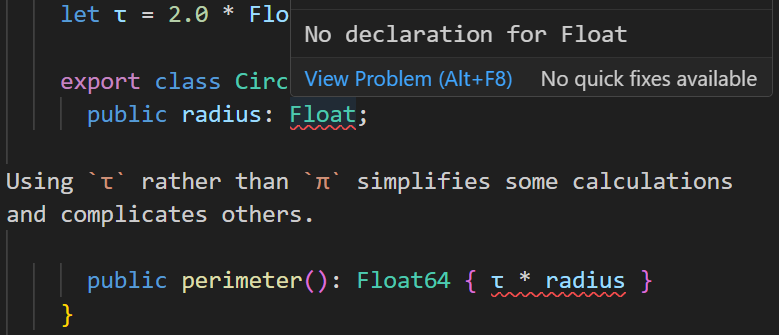
- errors, warnings, and hints (faded, such as an unnecessary type check) as you type, for the whole library around a file, unsaved edits included;
- hover, with a name's type or signature and its doc comment;
- go to definition, into the standard library too;
- completion of names, members, and object literals' properties;
- find references, rename, the outline, and signature help.
Blocks tagged temper inert, Temper shown for reading but not compiled,
are highlighted too, tinted and labeled "inert" in the editor, the
preview, and on this site; the language server leaves them alone.
Each platform's package bundles the compiler. How to install it, and its settings, are in editors/vscode.
The language server#
tempest lsp, or tempest serve, speaks the protocol over standard
input and output.
How it works is in the internals.
Note: Temper's first compiler starts its server with
temper serve --port N, and its extension, "Temper Language Support", is built from its repository; tempest's istempest lsp(ortempest serve, without--port), on standard input and output (inconsistencies).